 MinoRemove
 Clean Media. Kept Private.
Remove visible watermarks from your own media with browser-based AI processing and manual control.
Only upload media you own or are authorized to edit.
GIF Watermark Remover
Remove visible watermarks, logos, and text overlays from compatible animated GIFs. Process frame by frame locally in your browser.
One workflow for every kind of cleanup
Every tool runs in your browser where supported — the same editor, manual selection, and preview before export.
GIF Watermark Remover
Remove visible watermarks, logos, and text overlays from compatible animated GIFs. Process frame by frame locally in your browser.
Try NowImage Watermark Remover
Remove watermarks, logos, text overlays, and timestamps from images using AI. Processing runs in your browser, and your original image is not uploaded for AI inference.
Try NowVideo Watermark Remover
Video watermark removal is planned for a later release and is not available in the current workflow.
Try NowObject Remover
Erase unwanted objects, people, and clutter from photos using AI. Processing runs in your browser, and your original image is not uploaded for AI inference.
Try NowText Remover
Remove visible text, captions, labels, or text areas from supported images. Processing runs in your browser, and the original image is not uploaded for AI inference.
Try NowBackground Remover
Remove the background from supported images you own or are authorized to edit. Preview the result and export a transparent image where supported.
Try NowMetadata Remover
Check and remove supported EXIF and GPS metadata from images. Processing runs in your browser, and your original image is not uploaded for AI inference.
Try NowSupported formats
How It Works
Three simple steps to clean media.
Upload
Drop your image or GIF into the editor.
Mark
Brush over the watermark or draw a box around it.
Export
Preview the result, then download your clean file.
When Watermark Removal Works Best
Works Best For
- Small, fixed-position watermarks and logos
- Semi-transparent overlays on continuous backgrounds
- Corner stamps and date marks
- Manual selection covering the full watermark edge
Results May Vary
- Large watermarks covering complex textures
- Watermarks over faces or detailed text
- Moving or animated watermarks in GIFs
- Highly patterned or repetitive backgrounds
Learn More
Tips, tutorials, and best practices for watermark removal.
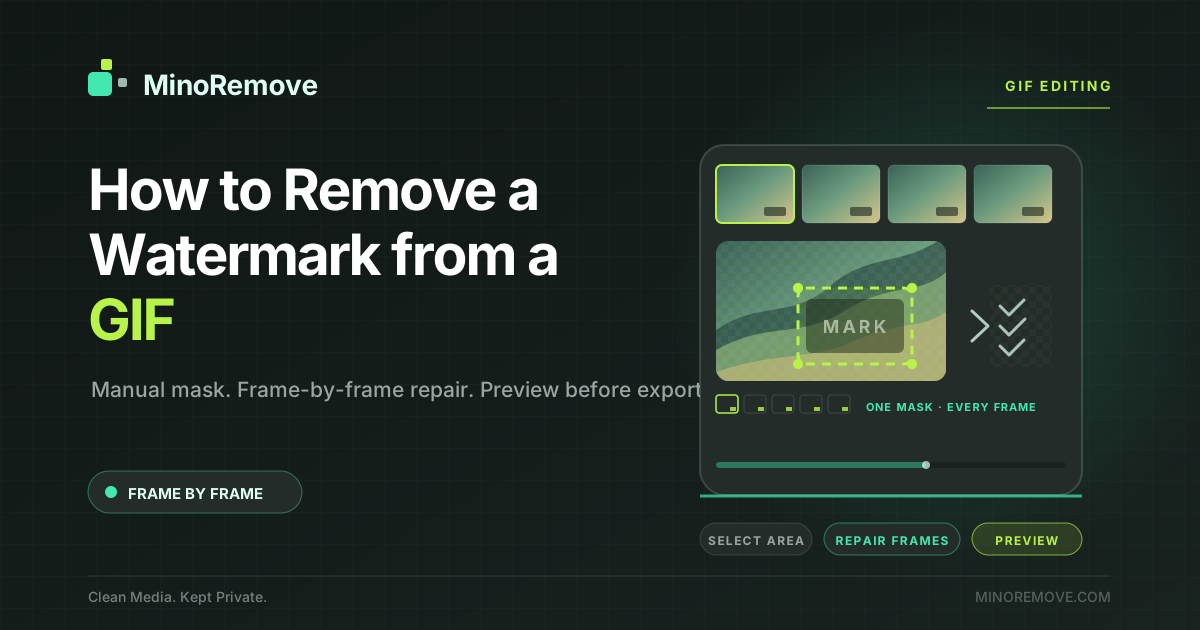
How to Remove a Watermark from a GIF
Learn how to remove a visible watermark from an authorized GIF with a manual mask, local frame-by-frame AI repair, and a preview before export.

How to Remove a Watermark from a Photo You Own
Learn how to remove a visible watermark from an authorized photo with a precise mask, local AI repair, and a preview before export.
Frequently Asked Questions
Is MinoRemove free to use?
Does MinoRemove upload my files?
What types of watermarks can be removed?
Is watermark removal legal?
How long does processing take?
Can I remove a watermark from a photo?
Can I remove a watermark from a GIF?
Does MinoRemove process videos?
Does MinoRemove remove invisible watermarks?
Your Data Stays Private
Supported workflows process your media in your browser, and your original media is not sent to a remote AI inference server. The AI model is downloaded from a CDN and cached by your browser. This site may load fonts, essential providers, and advertising — see the Privacy page for the current details.
Please only use MinoRemove with media you own or are authorized to modify. You are responsible for ensuring your use complies with applicable laws, licenses, and platform terms.